YouAnalytics / How to add Google Analytics to WordPress
How to add Google Analytics to WordPress
Two separate jobs: collect hits on each site, then report across properties. This page answers the collection job first — that is what “add Google Analytics to WordPress” usually means — then the optional combined brief.
Key takeaways
- “Add Google Analytics to WordPress” means putting a GA4 tag on the site. YouAnalytics does not do that job.
- Site Kit is the usual no-code path on self-hosted WordPress. Use one tag injector per site.
- Realtime can show in minutes; standard reports often take hours. A reader plugin cannot invent empty data.
- Universal Analytics (UA- IDs) is retired. Create a GA4 property (G- Measurement ID), not a UA property.
Decide which job you need
If you have one WordPress site and you only want Google Analytics to start counting visits, stop after you have a working GA4 tag. Site Kit by Google is the usual no-code path. YouAnalytics does not inject gtag and will not fix an empty Analytics account.
Install YouAnalytics later, on the WordPress site that should host the brief, when you already have several GA4 properties and want one report. Plugin choice by job: best Google Analytics plugin for WordPress.
1. Create a GA4 property
In Google Analytics, create a Google Analytics 4 property and a web data stream for the site.
- A property is the reporting container (one site or app in Analytics).
- A data stream is the web or app source inside that property.
YouAnalytics reports at property level. You do not pick individual streams in the brief. If two streams sit in one property, GA4 already combines them there — do not also tick a parent roll-up later or you can double-count. How that differs from 360 roll-up: combine multiple GA4 properties.
What is a GA4 Measurement ID?
A web data stream has a Measurement ID that looks like G-XXXXXXXX. That is what the Google tag sends hits to. It is not the same as the property ID (which looks like 123456789 in the Analytics URL). YouAnalytics lists properties after you connect; you do not paste a G- ID into YouAnalytics.
Universal Analytics used UA- IDs. That product is retired. If a tutorial still says “paste UA- into header.php,” skip it and create a GA4 property instead.
2. Install GA4 on WordPress without extra code
On that WordPress site, connect the Google tag with one of these. Two tag injectors on the same theme will double-count.
- Go to Plugins → Add New, search Site Kit by Google, install and activate.
- Start setup and sign in with the Google account that should own or already owns the GA4 property.
- Connect Analytics. Choose the existing property or create one if Site Kit offers that step.
- Let Site Kit place the Google tag. You should not paste gtag into the theme as well.
- Open the live site in another tab, click a few pages, then check Realtime in Google Analytics.
Official plugin: Site Kit on WordPress.org. YouAnalytics still does not inject gtag.
A cookie or consent banner is a separate product (a CMP or consent plugin). YouAnalytics does not collect hits, set consent, or make a GDPR claim. Handle consent on the sites that actually load the Google tag.
WordPress.org vs WordPress.com
This guide is for self-hosted WordPress (WordPress.org), where you can install plugins. On WordPress.com, plugin availability depends on the plan. Site Kit and YouAnalytics both need a host that allows those plugins. If you cannot install plugins, use Google Tag Manager or the host’s own Analytics integration, then connect the resulting GA4 property from a self-hosted site if you still want a YouAnalytics brief.
Do I need Google Tag Manager to use GA4?
No. GTM is one collection method, useful when you already run ads tags, extra events, or a consent mode setup in one container. Site Kit or a dedicated GA4 tag plugin is enough to send page views.
YouAnalytics does not require GTM. It only reads properties that already receive hits. If GTM already fires the GA4 tag, do not also enable Site Kit’s Analytics tag on that same site.
3. Wait until Analytics shows data
How long until Google Analytics shows data? Realtime can appear in minutes while you browse. Standard reports often take several hours, sometimes up to about a day. DebugView is for developers checking events, not for a client screenshot.
YouAnalytics reads complete days through yesterday, not Realtime today. Even after Realtime lights up, the WordPress brief stays empty until a full day exists, you connect Google, and you read properties. That is expected.
If the GA4 UI is still empty, any WordPress plugin that reads Analytics — including YouAnalytics — will also have nothing useful yet. Failed later reads show as unavailable, not as a fake zero.
Caching, minification, and page builders
A cache plugin can delay the first sight of the Google tag on a page you already visited as an admin. For the Realtime check, use a private window on the live URL, not the wp-admin preview. If a performance plugin strips unknown scripts, allow Google’s tag or GTM in that plugin’s exclusions — otherwise Analytics stays empty and YouAnalytics will correctly show nothing to read.
Page builders (Elementor, Gutenberg, classic themes) do not change the rule: one GA4 tag per site. Putting gtag in both the builder footer and Site Kit still double-counts.
4. Repeat for every website
How do I add Google Analytics to multiple WordPress sites? Put a GA4 tag on each WordPress site (Site Kit, Tag Manager, or another tag plugin). That usually means one GA4 property per site or per brand, not one Measurement ID copied onto unrelated domains if you want clean site-level reports.
Then install YouAnalytics once — on the agency or parent site — and connect those properties. You do not install YouAnalytics on every client site unless you want a brief on each.
Mistakes that inflate or empty the data
- Two GA4 tags on one theme (Site Kit plus a header snippet, or Site Kit plus GTM firing the same measurement ID).
- Admin traffic from your own logins if you have not filtered it in GA4 and you treat the first hour as “real users.”
- Staging and production sharing one property, so preview traffic lands in the same report as the live site.
- Reading a roll-up and its children together later in YouAnalytics, which would add the same hits twice. Skip roll-up and subproperties in the picker.
5. Combine properties into one WordPress GA4 report
Only after collection works: install YouAnalytics on the WordPress site where you want the brief. Then connect Google Analytics to WordPress (read-only OAuth), choose properties, and open Brief.
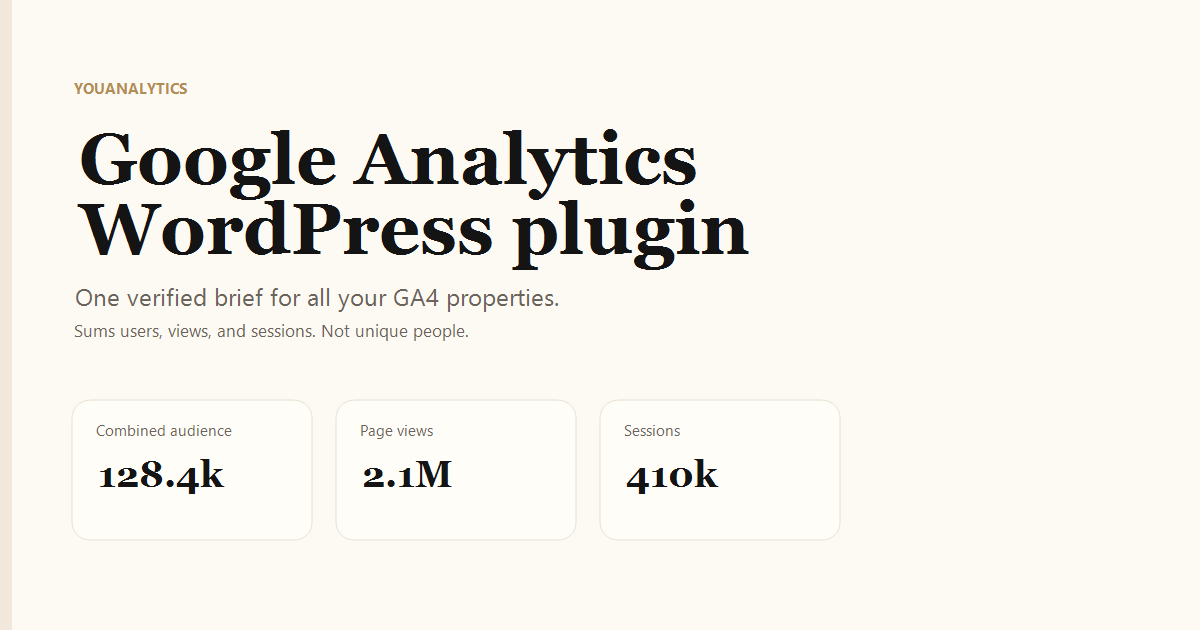
YouAnalytics sums users, page views, sessions, and sources. It is not a GA4 360 roll-up (unique users). For a client PDF: agency Google Analytics report.
Frequently asked questions
How do I install GA4 on WordPress without code?
Use Site Kit by Google on that site and connect Analytics. YouAnalytics still does not add a tag.
Do I need Google Tag Manager to use GA4?
No. GTM is optional. Site Kit or a dedicated tag plugin also sends hits. YouAnalytics only needs read access to properties that already have data.
How long until Google Analytics shows data?
Realtime can appear in minutes. Standard reports often take several hours. YouAnalytics can only read what Analytics already has, and its windows end at yesterday — not Realtime today.
How do I add Google Analytics to multiple WordPress sites?
Tag each site separately, then connect those GA4 properties in YouAnalytics on one WordPress install.
Does YouAnalytics work on WordPress.com?
Only if that site can install plugins. YouAnalytics is a self-hosted plugin. Collection can still happen wherever you can place a GA4 tag; the brief lives on a WordPress install that allows plugins.
Do I still use a UA- tracking ID?
No. Universal Analytics is retired. Create a GA4 property and a G- Measurement ID.