YouAnalytics / Google Analytics WordPress plugins
What is the best Google Analytics plugin for WordPress?
There is no single winner. The right GA4 WordPress plugin depends on whether you need to collect hits on one site or combine Google Analytics for multiple websites. Roundups that rank “best” as if every plugin does the same job are answering the wrong question.
Key takeaways
- There is no single “best Google Analytics plugin for WordPress.” Collect vs combine are different jobs.
- Site Kit is free and official for adding GA4 to one site. YouAnalytics does not replace it.
- Do not run two plugins that both inject the GA4 tag. YouAnalytics can sit beside a tag plugin because it does not inject one.
- YouAnalytics does not show revenue. Ecommerce stays in GA4 or your shop stack.
Match the plugin to the job
| If you need to… | Use |
|---|---|
| Add Google Analytics to WordPress without code | Site Kit by Google (free) or Tag Manager |
| See one property inside wp-admin | Site Kit or a reporting plugin such as MonsterInsights |
| Connect Google Analytics to WordPress for many sites, one brief | YouAnalytics (sums, not unique users) |
| Unique users across properties | GA4 360 roll-up |
| Search Console next to Analytics on one site | Site Kit (not YouAnalytics) |
| Print a multi-site brief without a Google invite | YouAnalytics Brief |
Does Google Analytics work with WordPress? Yes. WordPress does not include Analytics by default. Add a tag, then (optionally) a reader. Step-by-step: how to add Google Analytics to WordPress.
Site Kit vs MonsterInsights vs YouAnalytics
Is Site Kit by Google free? Yes. Site Kit is Google’s official connector: the Google tag, Search Console, and a one-site dashboard. Paid plugins add extra reports or support; they are not required to send hits to GA4.
MonsterInsights is a commercial WordPress analytics plugin aimed at marketers on a single site. Both Site Kit and MonsterInsights are tracking/reporting tools for one property at a time. That is the right category when someone searches “google analytics wordpress plugin” and they have one website.
YouAnalytics does not install gtag. It reads selected GA4 properties and builds a print-ready brief — a multi property Google Analytics dashboard only in that summed sense. Details: combine multiple GA4 properties.
YouAnalytics is the wrong answer if you have not installed a tag yet, if you need unique users across brands, or if you want to click through landing pages the way you do in the GA4 UI.
Can I use MonsterInsights and Site Kit together?
Do not run two plugins that both inject the GA4 tag on the same site. You will double-count page views. Pick one collection method per site.
YouAnalytics can sit next to Site Kit or MonsterInsights because it does not inject a tag. Collection stays on each client site; the combined brief lives on the agency WordPress install.
Can I view Google Analytics inside the WordPress dashboard?
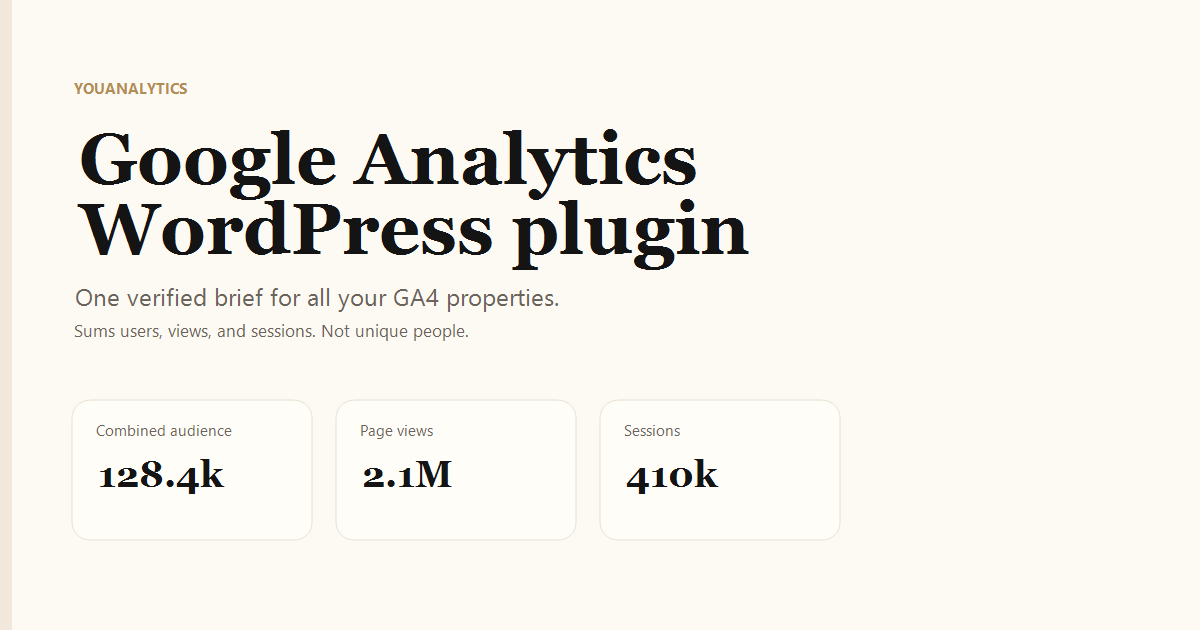
Yes. Site Kit shows the connected property. MonsterInsights and similar tools also draw one-site widgets. YouAnalytics shows combined audience, page views, sessions, and sources across the properties you choose — a Google Analytics dashboard in WordPress meant for screenshots, not for replacing the GA4 interface.
If you need Realtime, explorations, or funnel debugging, stay in analytics.google.com. The brief is a verified snapshot through yesterday, refreshed every six hours (plus manual refresh). The GA4 UI can also threshold small numbers; the Data API can disagree with a UI screenshot. Neither is a unique-user courtroom figure.
Does Site Kit include ecommerce tracking?
Ecommerce events are configured in GA4, Tag Manager, or your shop plugin — not in YouAnalytics. Site Kit can show Analytics reports for the connected property; whether those reports include purchases depends on how you instrumented GA4, not on YouAnalytics.
YouAnalytics does not display revenue. The brief is users, page views, sessions, sources, and each selected property. Do not install it expecting an ecommerce dashboard.
GA4 WordPress plugin vs WordPress analytics plugin
A GA4 WordPress plugin talks to Google Analytics 4. A broader WordPress analytics plugin might mean Jetpack stats, Matomo, Plausible, or only one-site GA widgets. YouAnalytics is GA4-only, multi-property, and read-only.
It is MIT-licensed. Source: github.com/hlotiim/YouAnalytics. Client PDF: agency Google Analytics report.
Do I need Google Tag Manager and a WordPress plugin?
You need one collection method per site. GTM is enough to send GA4 hits. Site Kit is enough if you do not already use GTM. A paid reporting plugin is optional for one-site wp-admin widgets. YouAnalytics is optional after that, on the site that should host the combined brief.
Stack that stays honest: GTM or Site Kit on each client site; YouAnalytics on the agency WordPress; no second GA4 tag; no claim that summed users are unique.
Frequently asked questions
What is the best Google Analytics plugin for WordPress?
For adding GA4 to one site, use Site Kit (official, free) or a dedicated tag plugin. For one report across many GA4 properties, use YouAnalytics. Those are different jobs.
Is Site Kit by Google free?
Yes. Paid plugins add extra reports or support; they are not required to send hits to GA4.
Can I use MonsterInsights and Site Kit together?
Do not run two plugins that both inject the GA4 tag. YouAnalytics does not inject a tag, so it can sit next to either.
Can I view Google Analytics inside the WordPress dashboard?
Site Kit shows one property. YouAnalytics shows a verified brief across the properties you select.
Does Google Analytics work with WordPress?
Yes. Add a tag, then optionally a reader. WordPress does not ship Analytics by default.
Do I need Google Tag Manager and a WordPress plugin?
You need one collection method per site (GTM or Site Kit, not both injecting the same GA4 tag). YouAnalytics is a reader, not a third tag.